

frba.over-blog.com/
18 Janvier 2021

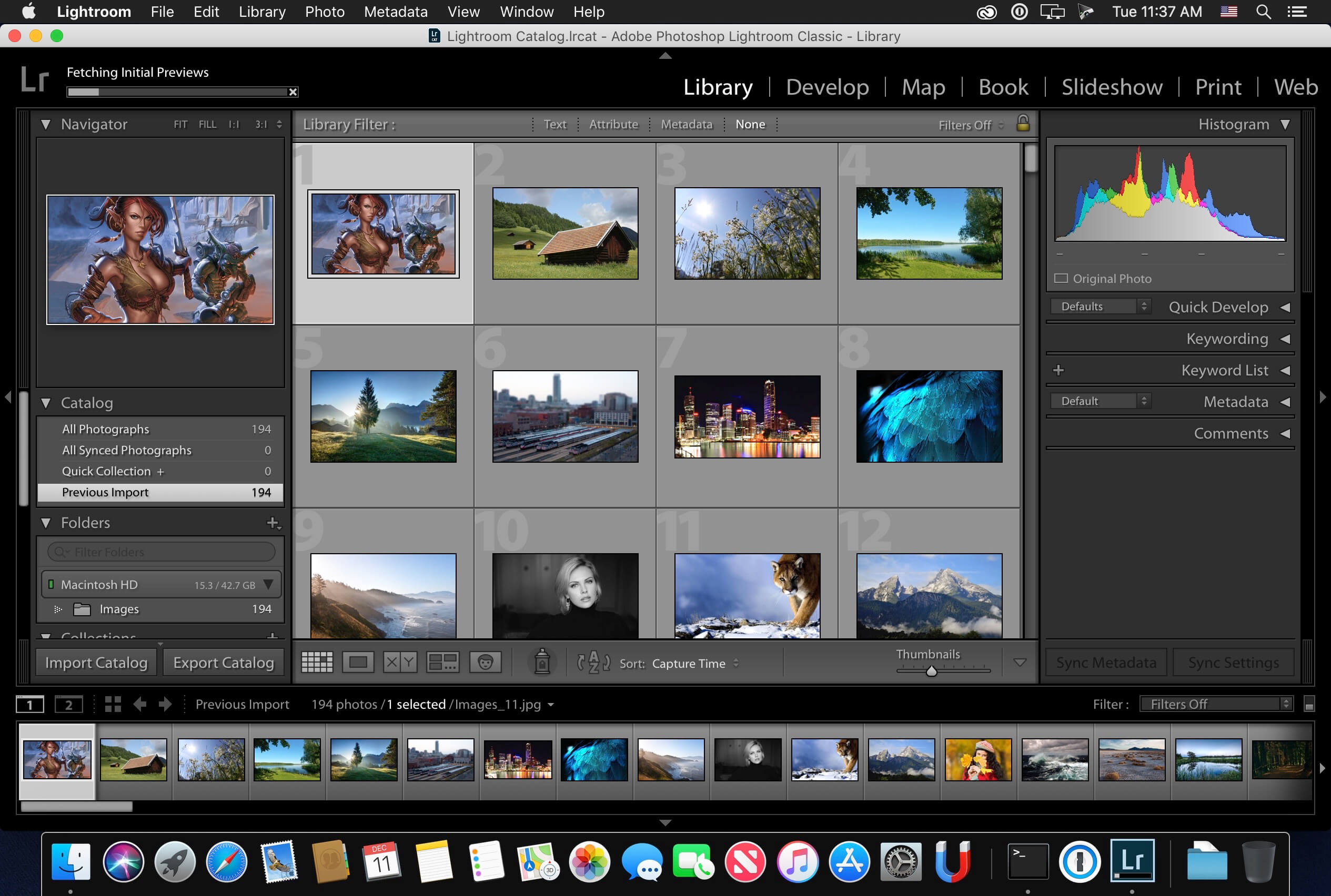
Lightroom system requirements for Windows and macOS. Your computer must meet the minimum technical specifications outlined below to run and use Lightroom. Native compatibility is planned for 2021. Adobe is committed to ensuring Lightroom Classic is available on all major platforms and surfaces, including running natively on Apple devices with M1 processors.
December 2020 release (version 4.1) and later
| Minimum | Recommended | |
| Processor | Intel®, AMD, or ARM processor with 64-bit support; 2 GHz or faster processor | |
| Operating system | Windows 10 (64-bit) Version 1903 or later | |
| RAM | 8 GB | 16 GB or more |
| Hard disk space | 2 GB of available hard disk space; additional free space is required during installation and sync | |
| Monitor resolution | 1024 x 768 display | 1920 x 1080 display or greater |
| Graphics card |
|
|
| For more information, see the Lightroom GPU FAQ | ||
| Internet | Internet connection and registration are necessary for required software activation, validation of subscriptions, and access to online services† | |
| Minimum | Recommended | |
| Processor | Multicore Intel® processor with 64-bit support or M1 Apple Silicon processor | |
| Operating system | macOS Mojave (version 10.14) or later | macOS Big Sur (version 11) macOS Catalina (version 10.15) |
| RAM | 8 GB of RAM | 16 GB recommended |
| Hard disk space | 2 GB of available hard disk space; additional free space is required during installation and sync Lightroom will not install on case-sensitive file systems or removable flash storage devices | |
| Monitor resolution | 1024 x 768 display | 1920 x 1080 display or greater |
| Graphics card |
|
|
To find out if your computer supports Metal, see Mac computers that support Metal For more information, see the Lightroom GPU FAQ | ||
| Internet | Internet connection and registration are necessary for required software activation, validation of subscriptions, and access to online services† | |
† NOTE: Internet connection, Adobe ID, and acceptance of license agreement required to activate and use this product; the application attempts to validate your software every 30 days for month-to-month members and 99 days for annual members. This product may integrate with or allow access to certain Adobe or third-party hosted online services. Adobe services are available only to users 13 and older and require agreement to additional terms of use and the Adobe Privacy Policy. Applications and services may not be available in all countries or languages and may be subject to change or discontinuation without notice. Additional fees or membership charges may apply.
Adobe Photoshop Lightroom is available in the following languages:
Deutsch
Dutch
English
Español
Directv player not working windows 10. Français
Italiano
Português (Brasil)
Polish
Note:
To know the supported languages for Lightroom for mobile (iOS and Android), see Supported languages | Lightroom for mobile.


/image%2F6317465%2F20210327%2Fob_d52c1e_application-of-microsoft-powerpoint.jpeg)
/image%2F6317465%2F20210327%2Fob_eb66e0_microsoft-office-2019-crack.jpeg)
/https%3A%2F%2Fassets.over-blog.com%2Ft%2Fcedistic%2Fcamera.png)
/image%2F6317465%2F20210221%2Fob_84dfdf_logic-x-pro-for-windows-7.jpeg)